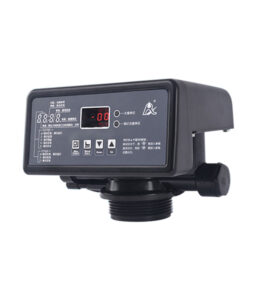
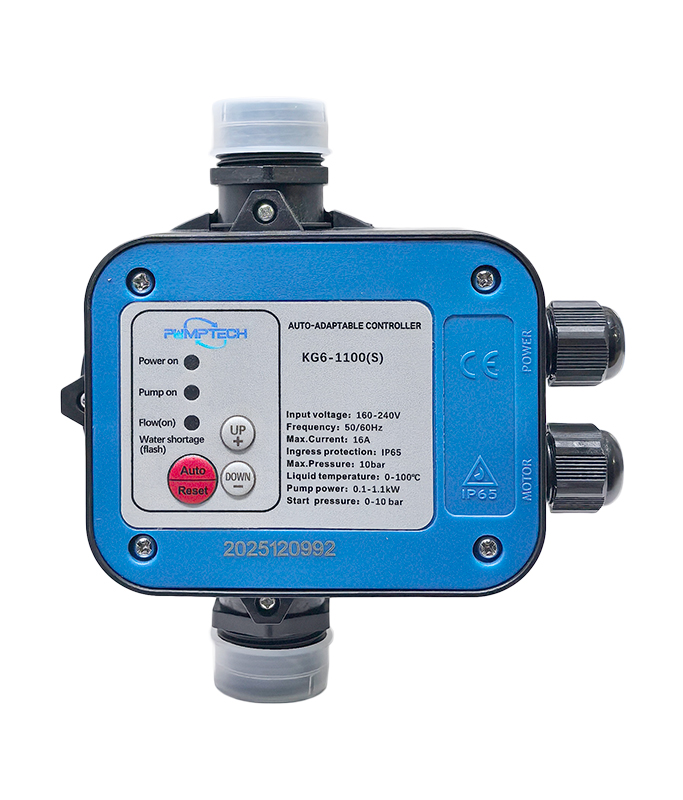
AUTO-ADAPTABLE CONTROLLER KG6- 1100(S)
- Estimated Delivery : Up to 4 business days
1. Characteristic
Auto-adaptable pump controllers can work under conditions of various pressures and replace the traditional system made up of a pressure tank, a pressure switch, a water shortage protection device, a check valve, a four-way junction, and a timer.
2. Function
Auto-adaptable pump controllers, which need only to be plugged in to work, automatically adjust according to different pressures of pipes, and different heights of floors, buildings ranging in height from zero to one hundred meters. It boasts of such advantages as water shortage protection, water shortage self-check, start-up upon water supply, pressure adjustment start-up, timing (optional), lightning protection, and overvoltage and under-voltage protection.
3. Installation
- Auto-adaptable controllers must be installed by professionals fully informed of general mandatory safety regulations. At the same time, water must be kept clean, and the pump must operate normally.
- The controller must be installed next to the outlet side of the pump, and the tap must be fixed not between the controller and the pump, but after the controller is fixed.
- The controller does not work if glue or residue is left in it.
And it must be installed vertically.
-
It is recommended that the controller and the pump should have a set of sockets and switches of their own. Three-core cables with an outer diameter section of 7-8 mm x 1.5 mm should be used to connect the controller with the pump, and the testing lines of the controller must be used, and its power supply must be guaranteed to be up to standard.
4. Wire connection
Please open the upper cover and connect the wires according to diagram 2. After wiring, please lock the screws on terminals L/N/E & UNW as well as the four screws on the base (bottom cover).
5. Button instruction
After installation of the controller and pump, please open the valve (faucet), then plug in the controller; the pump starts working. When “Power on, Pump on, Flow (on)” three indicators all light on, close the valve, the pump stops working. Here, the controller completes the first learning.
After a few seconds, the pump starts working again. “Power on” and “Pump on” indicators light up, and then the pump stops working. Here, the controller completes the second learning and finishes the setting of the starting pressure.
Hereinafter, the pump will automatically start and stop according to the switch of the valve.
- “Auto/Reset”: Press this button to exit water shortage protection or frequent start & stop protection. Or when the working condition changes, the original starting pressure is not suitable for working, press this button to relearn the pipeline pressure and reset the starting pressure.
- “UP+”: it’s for manual operation to increase the starting pressure of 1.0 bar per press
- “DOWN”: It’s for manual operation to decrease the starting pressure by 0.1-0.2 bar per press.
- Power on: It means there is electricity going through the controller.
- Pump on: It means the pump is working.
- Flow (on): It means there is water going through the controller.
- Water shortage (flash): When the water shortage indicator flashes, it means water shortage protection has been triggered.
- Auto/Reset (flash): When the Auto/Reset indicator flashes, it means the frequent start-and-stop protection has been triggered.
Return And Refund Policy
INSTORE EXCHANGES AND REFUNDS
Related products
-
HAILEA Air Compressors 208 53LPM
PRICE AVAILABLE ON REQUEST -
-
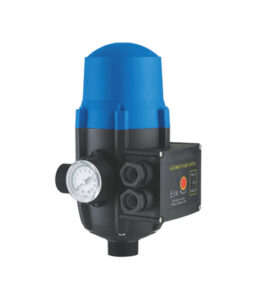
Puritech Jet Pump Controller
PRICE AVAILABLE ON REQUEST -
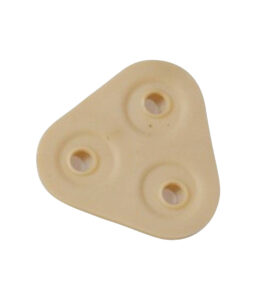
400G Pump Diaphragm
P1 295 -
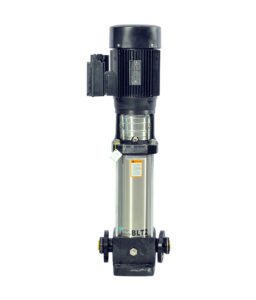
Shimge Multistage Pump BL2-15
PRICE AVAILABLE ON REQUEST -
Shimge Multistage Pump BL2-11
PRICE AVAILABLE ON REQUEST